Issuing Documents (CLI)
For the current step, you can either opt to use the CLI or Code.
After wrapping the documents and obtaining a merkle root, the documents are ready to be issued on the document store smart contract. To issue a batch of documents, we will use the merkle root that will be appended to the list of issued documents on the document store. This issuance only needs to be done once for all documents in a batch.
Issuing the documents
The TrustVC CLI uses an interactive prompt system that automatically extracts the document store address, merkle root hash, and network from your wrapped document.
trustvc document-store issue
The CLI will interactively prompt you for:
- Document path: Path to the wrapped document file (JSON)
- The CLI automatically extracts the document store address, merkle root (hash), and network from the document
- Verifies the document signature before proceeding
- Wallet selection: Choose between encrypted wallet, private key file, or environment variable
Example session:
trustvc document-store issue

? Enter the path to the wrapped document: ./wrapped-documents/document-1.json
ℹ  info      Document signature verified successfully
? Select wallet type: Encrypted Wallet JSON
? Enter the path to your encrypted wallet JSON file: ./wallet.json
? Enter your wallet password: [hidden]

ℹ  info      Issuing 0x80cc53b77c0539fc383f8d434ac5ffad281f3d64ae5a0e59e9f36f19548e1fff to the document store 0xBBb55Bd1D709955241CAaCb327A765e2b6D69c8b
⠋  awaiting  Waiting for transaction 0x... to be mined
✔  success   Token with hash 0x80cc53b77c0539fc383f8d434ac5ffad281f3d64ae5a0e59e9f36f19548e1fff has been issued on 0xBBb55Bd1D709955241CAaCb327A765e2b6D69c8b
ℹ  info      Find more details at https://sepolia.etherscan.io/tx/0x...
Key Features:
- Automatic extraction: Document store address, merkle root hash, and network are automatically extracted from the wrapped document
- Document verification: The CLI verifies the document signature before issuing
- Gas estimation: Automatic dry run on Ethereum and Polygon networks to estimate gas costs
Verifying the documents
Head over to dev.tradetrust.io, drag and drop in one of the issued documents. The document will be verified, then displayed.
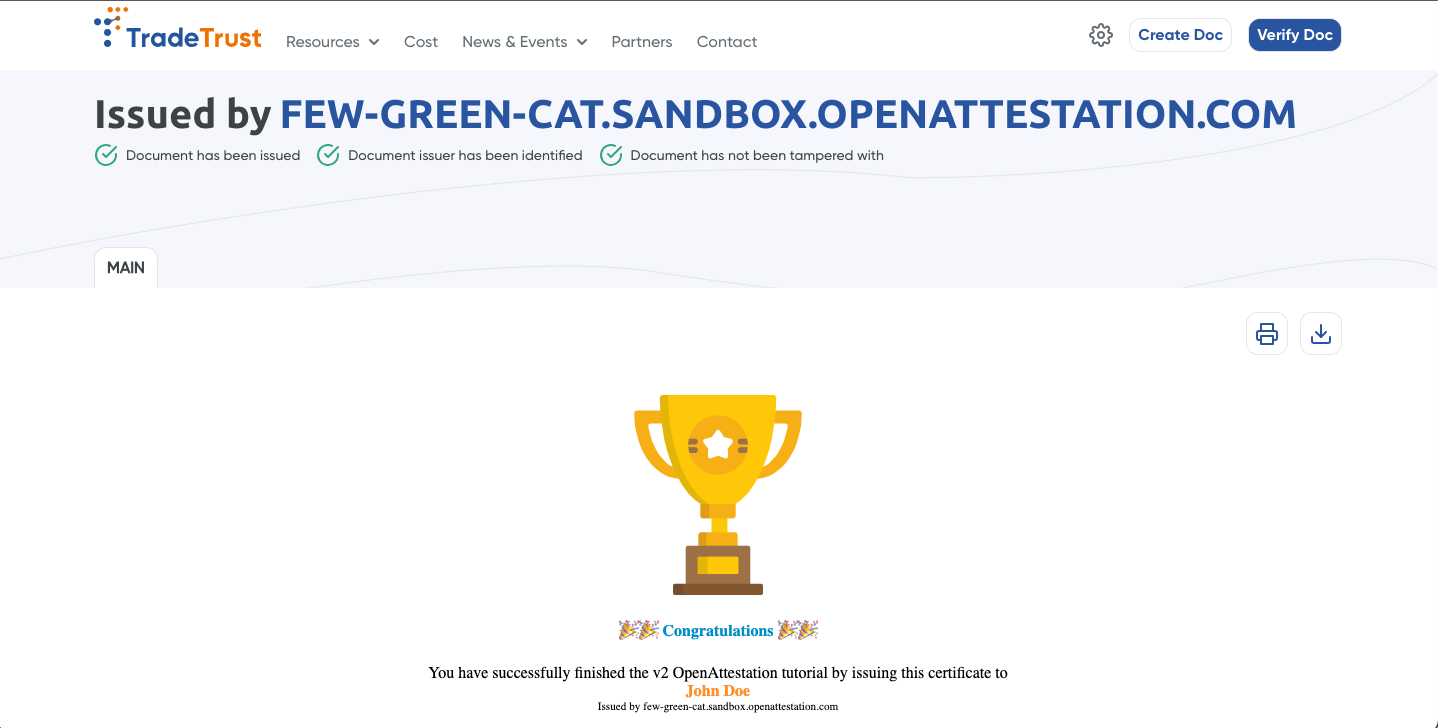
🎉 Congratulations, you have completed the getting started guide to create your first Verifiable Document!